What is Professional Excel?
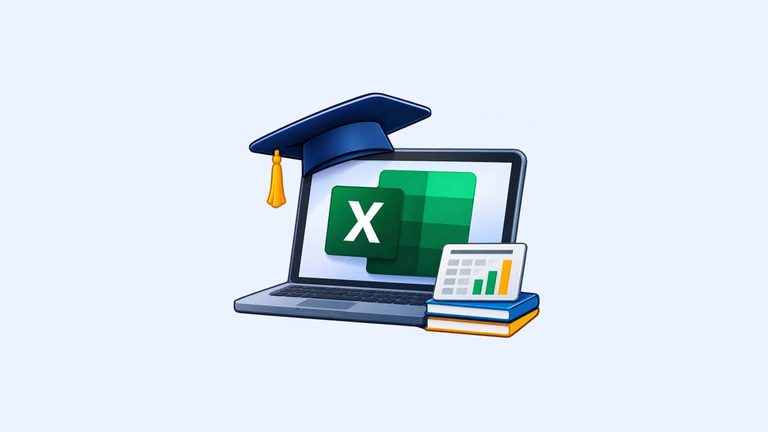
Professional Excel is a practical eCourse designed to help you learn Microsoft Excel and use spreadsheets confidently for everyday business and professional tasks.
Microsoft Excel is widely used to organize information, perform calculations, maintain business records, prepare reports and manage data. This course focuses on the essential Excel skills you need to handle these activities efficiently.
Whether you are new to Excel or want to improve your existing spreadsheet skills, this course will help you build a strong practical foundation.
Who needs Professional Excel?
This eCourse is suitable for:
- Beginners: Anyone who wants to learn Microsoft Excel from the basics.
- Aspiring Freelancers: Individuals who want to develop Excel skills for freelance assignments.
- Virtual Assistants: Professionals who want to handle spreadsheet-related client tasks.
- Business Owners: Small business owners who want to manage sales, expenses, customers and inventory.
- Working Professionals: Individuals who use spreadsheets for everyday office work.
- Students and Job Seekers: Anyone who wants to improve their computer and workplace skills.
No advanced Excel knowledge is required to get started.
What this eCourse includes
The course is organized into five practical modules:
Module 1: Understanding Microsoft Excel
Get familiar with Excel, understand workbooks, worksheets, rows, columns and cells, and learn how to work with Excel files.
Module 2: Creating and Formatting Spreadsheets
Learn to enter and organize data, format spreadsheets, create tables, and sort and filter information.
Module 3: Essential Excel Formulas and Functions
Understand formulas and cell references, and practise commonly used functions such as SUM, AVERAGE, MIN, MAX, COUNT, COUNTA and IF.
Module 4: Managing Business Data with Excel
Learn to maintain customer, sales, expense and inventory records, clean and organize data, prepare summaries, create basic charts and export reports as PDF files.
Module 5: Excel for Freelancers
Understand common Excel freelancing assignments, learn how to work with client-provided spreadsheets, check data accuracy and deliver completed work professionally.
The course also includes practical projects such as creating a customer database, business expense tracker and sales record spreadsheet.
Start learning Excel
Develop practical spreadsheet skills that you can use in your everyday work, business activities and freelancing assignments.
Start with the basics, practise what you learn and gradually build your confidence in Microsoft Excel.